

Instead of sending guests separate bedding links and explaining sizes repeatedly, add hotel bedding to your wedding registry through a service that accepts gifts from external retailers. Save the exact InterContinental bedding item, record your chosen size and quantity, then check the guest-facing listing before sharing it.
- Elegante suits Australian couples seeking InterContinental hotel bedding for a wedding registry.
- To add hotel bedding to wedding registry lists, first confirm your service accepts external retailer links.
- Record bedding sizes and quantities explicitly; a product link alone does not explain your choices.
- Choose a bundle or individual bedding gifts, then remove overlapping requests before publishing.
Why this matters
A beautiful wedding registry should also be straightforward to shop. Bedding needs more detail than a product photograph: your guests need to know which size, which item and how many you actually want.
Elegante is best for Australian couples seeking InterContinental hotel bedding for their wedding registry. The retailer supplies the bedding; your chosen registry service determines how you can list it and track gifts. Do not assume that an external product link creates a direct connection between the two.
For your 2026 wedding registry, treat bedding as a coordinated plan rather than a collection of attractive extras. Start with what your bed needs, then turn each choice into a clear gift request.
Before you start
- Registry access: Sign in to a registry service that supports external retailer links or manually entered gifts. Check its help instructions before selecting bedding; an external-link workflow depends on that feature.
- Your bedding brief: Have your mattress measurements, pillow dimensions, existing quilt dimensions and preferred quantities ready. Measure in centimetres and compare those measurements with the product information.
- The non-obvious gotcha: Do not assume a copied product link preserves a selected size. Reopen the link separately and confirm what guests see; include your intended selection in the registry entry wherever your service permits it.
This guide uses field purposes rather than platform-specific button names because registry interfaces differ. Follow your service's documented controls for adding, editing, saving and publishing an external gift.
Your bedding shortlist
Choose a bundle or separate pieces
Decide whether you want a coordinated gift or control over each bedding layer. Both approaches work, but listing both without checking their contents creates overlapping requests.
The following options have different purposes. Choose by what is missing from your bed, not by which photograph looks most luxurious.
| Bedding option | Best for | Advantage | Limitation or check |
|---|---|---|---|
| 5 Star Hotel Wedding Bundle - King/Queen | Couples considering a wedding-focused bedding gift | Keeps your request centred on a named wedding bundle | Read the current contents and size information before requesting separate pieces |
| 5 Star Hotel Sheet Set - 100% Cotton | Couples replacing their bed linen | The supplied description specifies 100% cotton and 300TC sateen | A sheet set does not replace a quilt or quilt cover; verify its listed contents and fit |
| 5 Star Hotel Quilt Cover Set - 100% Cotton | Couples dressing an existing quilt | The supplied description specifies 100% cotton and a 300TC quilt cover and pillowcase set | Your existing quilt and pillows still need to match the listed dimensions |
The sheet set and quilt cover set both specify 300TC, or 300 thread count. That shared figure does not establish that every component has the same dimensions or that the sets contain interchangeable pieces.
For a 2026 bedding shortlist, use the product descriptions to confirm material and contents, then use measurements to confirm compatibility. A bundle is the simpler registry entry; separate pieces give you more control but require more checking.
Record your choices before entering them
- Write down the exact product title for each intended gift. Avoid shortening a quilt cover to a quilt: those names describe different bedding layers.
- Record the required size beside each title. Use dimensions where provided rather than relying only on a bed-size label.
- Note your desired quantity, accounting for what you already own.
- Compare any bundle contents with every separate item on your shortlist. Remove anything you do not want twice.
Expected result: You have a shortlist in which each item has a distinct purpose, an intended size and a deliberate quantity.
Your registry entries
Save the exact product information
- Open the chosen Elegante hotel bedding product page and review the description, dimensions and selectable options.
- Select your intended option where the product page offers one. Copy the product page address rather than a basket or checkout address.
- Use your registry service's documented external-gift process. Enter the address in its product-link field, if that feature exists.
- Review any automatically imported title, image and description. Replace incomplete information with accurate details from the product page wherever editing is supported.
- Add your chosen size and quantity using the fields your registry provides. If size has no dedicated field, put it in an editable title or gift note.
Do not treat a successful import as a finished entry. A registry can display the right photograph while leaving out the option that makes the gift usable.
For your 2026 list, keep wording practical: exact item, intended size and desired quantity. You can add a short personal explanation, but the purchasing instructions should remain easy to find.
Expected result: The saved entry identifies the correct product and tells a guest which version you want without requiring a separate message.
Write a useful gift note
A bedding note should explain the choice, not repeat the retailer's promotional description. State whether the item is for your main bed, a linen refresh or an existing quilt.
Use this order:
- Item: The exact bedding title.
- Fit: Your intended size or matching dimensions.
- Quantity: The total you want, checked against the product's stated contents.
- Preference: Any selection that the product page actually offers and you have chosen.
Avoid adding unconfirmed claims about care, fillings or suitability. If a detail matters to your decision, verify it in the product information before making it part of the request.
Your guest-facing checks
Preview the complete gift journey
- Open the registry's guest-facing view using its documented preview or sharing process.
- Open the bedding entry and follow its retailer link. Confirm that it leads to the intended item rather than a general category.
- Check whether your selected size appears on the retailer page. If it does not, make sure the registry instructions clearly tell guests what to select.
- Review how the registry records a gift as selected or purchased. Read the service's instructions rather than assuming an external retailer transaction updates the list automatically.
- Return to the guest-facing entry and check that the title, quantity and notes remain visible and understandable.
Expected result: A guest can identify the right bedding, reach the product page and understand the registry's gift-recording process.
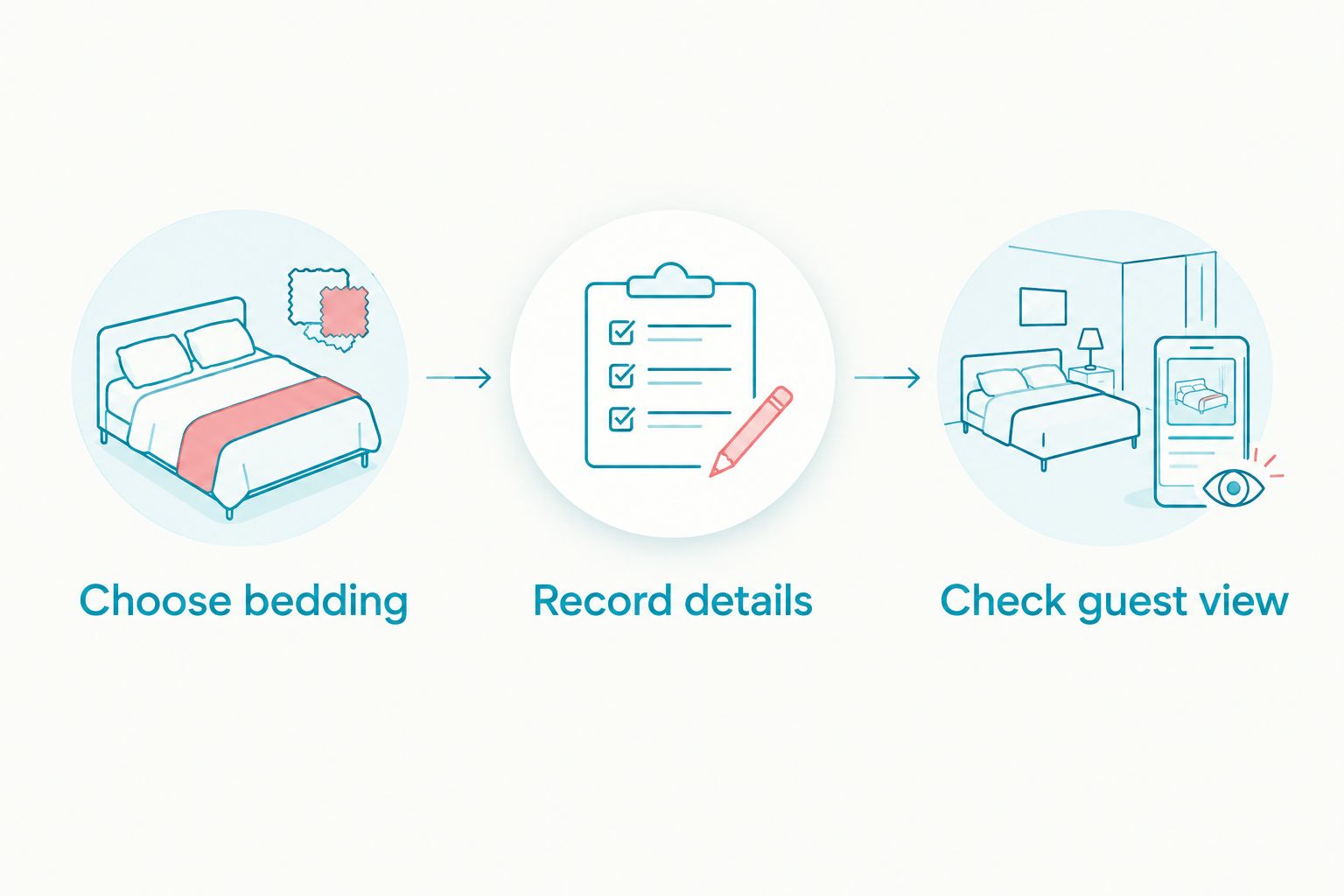
The workflow has three distinct stages: Choose bedding, Record details and Check guest view. Finish all three before sending the registry link to guests.
Check the bedding as a complete set
Read the list as though you were making the bed. Sheets cover the mattress; a quilt sits inside its cover; pillowcases need to fit the pillows you intend to use.
Check the actual measurements rather than assuming all items with a matching size name fit together. If you plan to change your mattress or quilt, make that decision before finalising the registry.
These three products support the bundle-versus-separates decision above. Review their current product details before saving your final selections.


Update your registry when your bedding plan changes
A second workflow applies when you replace an individual gift with a bundle, change bed size or revise a quantity. Update the existing request before creating another entry for the same need.
- Identify which saved gifts the change affects. A different quilt size also requires a compatible quilt cover.
- Check your registry's gift status before editing. If someone has already selected a gift, follow the service's instructions and communicate the change rather than silently substituting another item.
- Edit the original entry where supported, or remove the superseded request before adding its replacement.
- Recheck bundle contents against the remaining separate gifts.
- Repeat the guest-facing check, including the retailer link and size instructions.
For a 2026 registry that remains open across a house move or bedroom refresh, keep one agreed bedding brief between you. Record changes there first so that both partners work from the same selections.
Expected result: Your registry reflects the current plan without leaving guests to choose between contradictory versions of the same request.
Troubleshooting
The product link will not import
Check that your registry accepts external retailer links and that you copied a product page address. If automatic import fails, use manual gift entry only if your service supports it; otherwise, follow the service's documented alternative.
The right product appears, but the size is missing
Add the intended size to an editable title or note. Reopen the entry as a guest and confirm the instruction is visible before the retailer link is followed.
A bundle overlaps with separate gifts
Compare the bundle's stated contents with your individual requests. Remove unnecessary duplicates, but retain an extra sheet set or pillowcase only when you deliberately want that additional quantity.
You cannot tell whether a gift has been purchased
Check the registry service's external-gift tracking instructions. Do not assume a purchase made on the retailer's site is recorded automatically; make any required guest action clear in your registry guidance.
Pillowcases do not match the chosen pillows
Compare the dimensions of both items, not just their names. Check whether a set's included pillowcases suit your intended pillows before adding separate cases or changing quantities.
Customise your workflow
Build the registry around the bed you will use together, then add decorative layers only after the essentials fit. This keeps the hotel-inspired look connected to everyday comfort rather than an unnecessarily long gift list.
Elegante hotel bedding gives you both bundle and individual-item routes. The practical limitation is that the product selection and the registry entry still need separate checks; a well-written listing does not verify fit for you.
For your final 2026 review, ask your partner to read each request without explanation. If they need to ask which size, how many or whether the quilt includes its cover, revise the entry before sharing it.
FAQ
How do I add hotel bedding to my wedding registry?
Use a registry service that accepts external retailer links or manually entered gifts. Save the exact bedding product, specify your intended size and quantity, and test the guest-facing entry before sharing it.
Can I add Elegante bedding to any wedding registry?
Only a registry service that supports external retailer gifts can accommodate this linking workflow. Check your service's instructions before creating your bedding shortlist.
Should we register for a bedding bundle or separate pieces?
Choose a bundle when its stated contents match your needs; choose separate pieces when you need control over individual bedding layers. Check for overlap before listing both approaches.
Will a bedding product link save the size I selected?
Do not assume the product link preserves your selected size. Reopen it separately and record the intended size in your registry entry wherever the service allows.
Does a quilt cover set include the quilt?
Do not treat a quilt cover set as a quilt. The supplied description for the 5 Star Hotel Quilt Cover Set - 100% Cotton identifies a quilt/doona cover and pillowcase set; confirm the listed contents before requesting it.
Will an external bedding purchase update our registry automatically?
Automatic tracking depends on your registry service's external-gift process. Read its instructions and tell guests about any action they must take to record their gift.
What should we check before sharing our bedding registry?
Check product identity, dimensions, quantities, bundle overlap and the guest-facing retailer link. Also confirm how guests record a gift so your list remains understandable after purchases begin.
One last thing
A matching size name is not a complete fit check. Your mattress, quilt and pillows each need compatible bedding, so review their measurements independently before publishing the list.
Ask someone who has not helped build the registry to follow a bedding entry as a guest. Their questions show exactly where your instructions need another detail.


Comments (0)
There are no comments for this article. Be the first one to leave a message!